





Building an AI Workforce in Practice
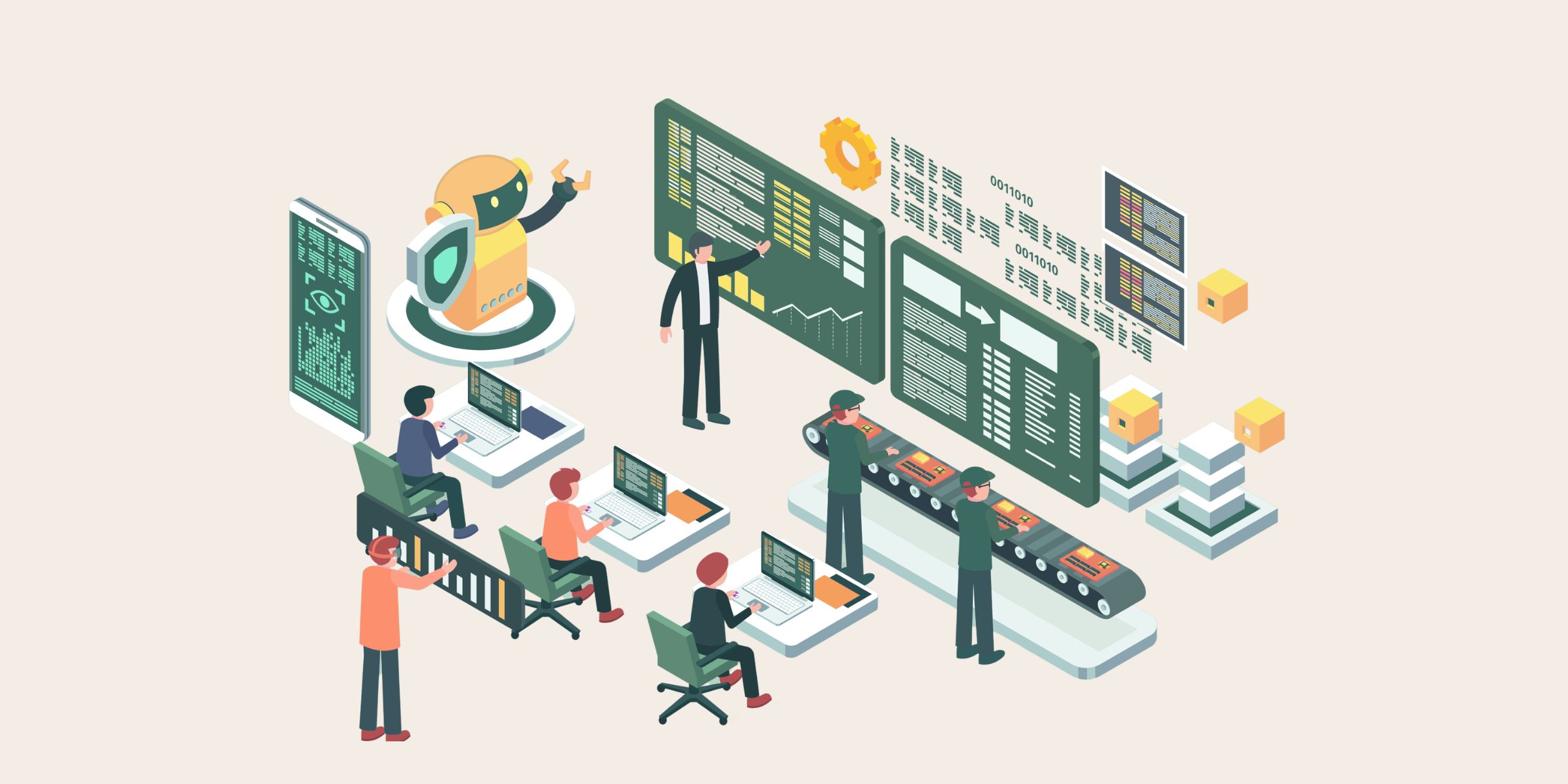
The idea of an AI workforce sounds straightforward until organisations start trying to apply it in real environments. Most businesses already have established systems, reporting structures and workflows long before Microsoft 365 Copilot is introduced. They also tend to have inconsistent CRM usage, disconnected follow-up processes and departments managing information in completely different ways.
Most organisations discover fairly quickly that AI surfaces procedural weaknesses more visibly rather than resolving them automatically. The early excitement around Copilot often creates the impression that productivity improvements will appear naturally once employees start using it. What usually happens instead is that existing process problems become much easier to see. Sales teams continue updating Dynamics 365 inconsistently, and service teams still rely on inboxes and spreadsheets during busy periods. As a result, managers are forced to validate reports because they know visibility inside the CRM is not reliable enough.
The technology itself generally works well, but the environment surrounding it is often far less prepared than leadership initially assumes.
This is why building an AI workforce has more to do with behaviour than enabling AI features inside Microsoft 365. Copilot can retrieve information, summarise meetings and reduce administrative workload, but none of those capabilities automatically improve how processes function across the wider organisation.
Businesses usually start seeing meaningful value once AI becomes connected properly to systems, governance and day-to-day responsibilities. Otherwise, organisations end up with isolated AI usage sitting alongside the same reporting problems, unclear ownership and inconsistent processes that already existed before adoption began.
Treating AI Like a New Employee
One of the more useful ways to think about AI adoption is to approach AI systems in the same way organisations approach onboarding new employees.
New starters are not expected to contribute effectively on day one simply because they have access to systems and information. They need structure, context and clear expectations around how work is actually managed inside the organisation. Most businesses also accept that employees learn far more from reality than process diagrams during their first few months.
Microsoft 365 Copilot can support communication, documentation and information retrieval very effectively. The quality of the output still depends heavily on the environment it operates within. If customer records inside Dynamics 365 are incomplete or teams continue managing follow-up activity outside agreed workflows, AI-generated outputs quickly become less useful because the information is unreliable.
Problems during rollout arise because leadership assumes Copilot will improve consistency automatically, while employees continue working around the CRM. This is usually because processes already feel difficult to maintain without adding an additional layer of complexity. Meetings might be easier to summarise, but actions aren’t completed because nobody owns the next step or takes responsibility.
Treating AI like a new employee changes the conversation because organisations start thinking more carefully about:
- where AI should support workflows
- where human oversight still matters
- who validates outputs
- how accountability is maintained
- how information moves into Dynamics 365
- how AI contributes to outcomes rather than isolated tasks
That approach generally creates more realistic adoption behaviour because expectations become procedural instead of theoretical.
Why Structure and Responsibility Matter
An AI workforce only works properly when responsibilities remain clear. Inside most organisations, people already have defined ownership around customer processes, reporting and decision-making. Once AI is introduced without a similar structure, accountability becomes blurred surprisingly quickly, particularly after adoption expands beyond small pilot groups.
Different departments begin using Copilot differently. Some teams record customer activity carefully inside Dynamics 365. Others continue managing important updates through Teams chats, inboxes or private spreadsheets. Employees generate AI summaries, but nobody is entirely sure who should update the CRM afterwards or who owns the follow-through once actions have been identified.
Businesses often underestimate how quickly these inconsistencies spread. One department assumes AI-generated actions are being tracked automatically, while another still expects employees to update Dynamics manually afterwards. Managers continue maintaining separate spreadsheets because they no longer trust CRM reporting fully. Pipeline reviews become discussions about reporting accuracy before anyone even starts discussing the actual forecast.
Good employees compensate for these problems, and AI exposes those gaps because it surfaces how much coordination and process management were already happening outside structured systems.
The organisations introducing Copilot successfully are usually the businesses willing to strengthen operational discipline alongside the technology itself. They understand that AI performs far more reliably when workflows, reporting structures and CRM usage are already reasonably stable underneath.
Without that structure, businesses often end up generating more information while visibility continues weakening elsewhere.
Where Microsoft 365 Copilot fits into Daily Work
Microsoft 365 Copilot becomes valuable because it sits inside the activities where work is already being created, discussed and progressed each day. Meetings, emails, documents and collaboration platforms already drive coordination across most organisations. Customer decisions are discussed during Teams meetings, follow-up actions sit inside Outlook conversations, and important context often exists inside documents long before it reaches Dynamics 365 properly. Under those conditions, Copilot starts behaving less like a standalone AI tool and more like part of the workforce itself.
During meetings, Copilot can summarise discussions and identify actions without relying entirely on manual note-taking. Many organisations already struggle with inconsistent follow-through after meetings finish. Actions are discussed clearly in the moment, yet ownership becomes much less visible once teams move onto the next priority.
Email activity creates similar problems because employees regularly spend large amounts of time rebuilding context from long communication chains before responding. Customer history often sits across multiple systems and conversations, which means staff spend unnecessary time manually piecing information together before progressing work.
Copilot helps reduce some of that overhead by surfacing relevant context more efficiently inside the workflow itself.
Documentation creates another hidden burden as teams frequently recreate material that already exists somewhere else because finding reliable information takes longer. Over time, this creates duplicated content, inconsistent messaging and conflicting information across departments.
Copilot helps reduce some of that wasted effort, although the wider value still depends heavily on whether information connects properly back into structured systems such as Dynamics 365 afterwards.

Why Dynamics 365 Anchors the AI Workforce
While Microsoft 365 Copilot improves communication and information handling, Dynamics 365 remains the system responsible for maintaining visibility across customer activity, service delivery and reporting.
An AI workforce depends heavily on structured data because customer interactions, opportunities, service history and workflows all need a reliable system where information can be tracked consistently over time. Without that foundation, AI-generated outputs become much harder to validate because the wider process lacks visibility and accountability.
CRM discipline matters far more during AI adoption than many organisations initially expect.
If customer updates remain incomplete, if opportunity stages no longer reflect reality or if teams continue managing activity outside Dynamics 365 entirely, Copilot has a weaker context to work from. AI may still generate useful outputs individually, while wider reporting confidence continues deteriorating underneath.
The connection between Copilot and Dynamics 365 becomes critical because a follow-up action identified during a Teams meeting only becomes valuable once it is associated with the correct customer record, opportunity or service activity inside the CRM itself. Otherwise, important information still ends up scattered across inboxes, documents and disconnected personal workflows.
Many organisations already experience this problem before AI adoption even begins.
Managers validate forecasts manually before pipeline reviews because reporting consistency varies between teams. Customer service leaders chase updates directly because they know CRM visibility is incomplete. Operational reviews become slower because teams spend time debating whether the information is trustworthy before discussing the decisions themselves.
When Dynamics 365 is maintained properly, however, AI becomes significantly more useful because context remains connected to the systems responsible for execution and accountability. That is usually the point where AI starts behaving like a reliable operational capability rather than an isolated productivity tool.
Governance and Accountability Become More Important
Building an AI workforce increases the importance of governance rather than reducing it.
Microsoft 365 Copilot operates within the permissions, information structures and operational standards already established across Microsoft 365 and Dynamics 365 environments. Weak or inconsistent governance simply becomes more visible once AI starts interacting with information across the organisation.
The challenge becomes much more obvious as adoption spreads between departments because different teams naturally develop different working habits over time. Some employees use Copilot heavily, while others avoid it because they feel uncertain about responsibility or do not trust the outputs. Without clear governance, businesses quickly end up with inconsistent AI behaviour across departments.
The consequences appear fairly quickly:
- inconsistent CRM updates
- duplicated actions
- conflicting customer information
- unclear ownership
- reporting discrepancies between teams
Permissions and information management also become more important once AI can retrieve content across large Microsoft environments. Organisations need clearer operational control around:
- who accesses information
- how outputs are validated
- where updates belong
- what information should remain restricted
- how accountability is maintained
Businesses that handle AI adoption successfully treat governance as part of management rather than a technical exercise handled separately from day-to-day processes.
Scaling the AI Workforce Across the Organisation
Most organisations begin AI adoption with relatively small, highly visible use cases. Meeting summaries, email drafting and document support usually appear first because employees can immediately see personal value in those capabilities.
Operational inconsistencies become much harder to ignore once adoption expands across departments. Teams using Dynamics 365 often operate very differently from departments still relying heavily on disconnected communication and informal workarounds.
Scaling an AI workforce successfully depends less on enabling more users and more on improving consistency underneath the technology itself.
Businesses generally need:
- clearer workflows
- more reliable CRM usage
- stronger reporting discipline
- clearer ownership of follow-up activity
- more realistic governance expectations
- better alignment between processes and AI usage
Without those foundations, organisations often end up with isolated pockets of successful AI adoption while wider visibility continues weakening elsewhere.
Training also becomes much more practical than technical because employees need clarity around:
- when Copilot should support work
- when human review remains necessary
- how updates should be handled
- where information belongs inside Dynamics 365
- how accountability works once AI becomes part of the workflow
To scale AI successfuly, organisations need to be willing to examine how processes function, rather than how leadership expects them to work on paper.
Building an AI Workforce That Operates Reliably
Building an AI workforce requires much more than enabling Microsoft 365 Copilot across the organisation. Businesses need structure, governance and process discipline strong enough to support AI consistently once adoption becomes part of day-to-day activity. Examining operational weaknesses is a challenging but necessary step to improving reliability outcomes. Rather than just assuming AI will (or can) resolve them automatically.
That often means reviewing:
- inconsistent CRM usage
- disconnected customer information
- duplicated reporting effort
- missing follow-up activity
- departments working outside agreed workflows
- managers manually validating data
AI becomes significantly more valuable once those realities are acknowledged properly.
Microsoft Copilot Launchpad is designed to help organisations move beyond isolated AI experimentation by aligning Microsoft 365 Copilot with Dynamics 365, governance and operational workflows in a much more structured way. The focus is not simply enabling AI capability, but helping businesses introduce AI into environments where accountability, reporting visibility and consistency can still be maintained as adoption expands.
Our eBook, AI in the Modern Workforce, explores this idea in more detail by looking at why AI adoption increasingly resembles workforce onboarding rather than traditional software deployment. AI systems still require structure, oversight and management if they are going to contribute meaningfully across the business.
When Microsoft 365 Copilot operates alongside well-maintained Dynamics 365 environments, clearer governance and more disciplined processes, organisations are in a far stronger position to build an AI workforce that supports visibility, coordination and consistency without creating even more disconnected activity underneath the surface.
Start building your AI workforce
If you are considering how to introduce Microsoft 365 Copilot in a way that delivers consistent value, the Microsoft Copilot Launchpad and AI in the Modern Workforce eBook provides a practical starting point.