





Building an AI Workforce in Practice
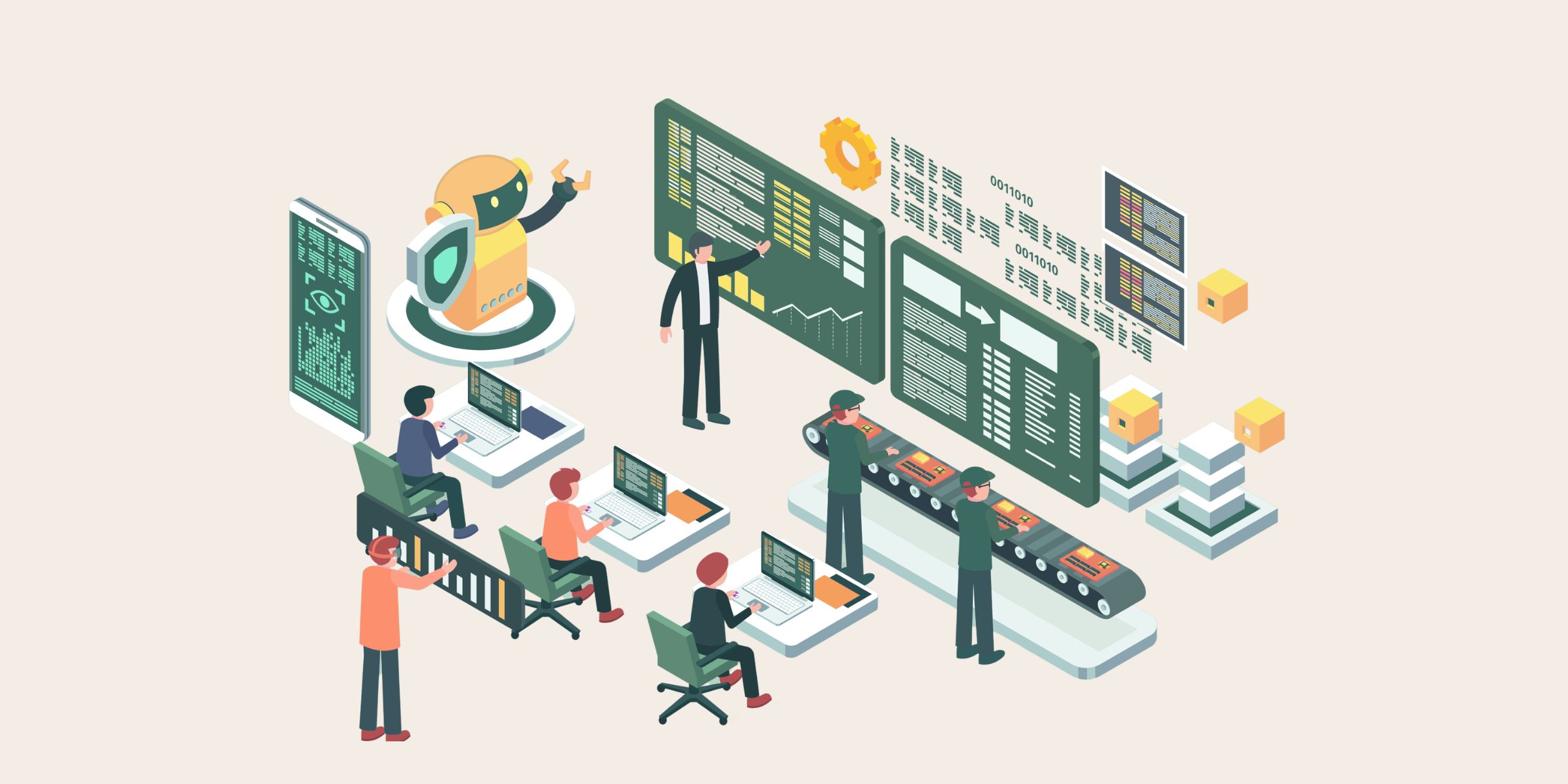
The concept of an AI workforce is gaining traction as organisations explore how tools such as Microsoft 365 Copilot can support everyday operations. The term itself suggests a shift in how work is completed, yet it is often interpreted in overly simplistic ways. Some organisations view AI as a layer of automation that can be introduced quickly to improve productivity, while others treat it as a collection of features that enhance individual tasks.
In practice, an AI workforce represents a more fundamental change. It involves integrating AI into the structure of how work is organised, managed and executed across the business. This requires a level of planning and discipline that goes beyond enabling new capabilities. Without that structure, AI tends to operate in isolation, supporting individual users without contributing to broader operational improvement.
The misunderstanding often arises from focusing on what AI can do rather than how it should be introduced. Capabilities such as summarising meetings, drafting emails or retrieving information are useful. But they do not automatically translate into improved processes. The impact depends on how those capabilities are aligned with existing systems, workflows and responsibilities.
Building an AI workforce, therefore, requires a shift in perspective. Organisations need to consider how AI fits into their operating model, how it interacts with systems such as Dynamics 365 and how it supports the activities that drive performance. When approached in this way, AI becomes part of the workforce rather than an external tool applied to it.
Treating AI Like a New Hire
Introducing an AI workforce is comparable to bringing a new hire into the organisation. A new employee is not expected to deliver value without context, guidance or structure. They are onboarded, given clear responsibilities and supported through defined processes. Sometimes for months. Over time, they become more effective as they gain access to the right information and understand how their role contributes to the organisation.
The same principles apply to AI. Microsoft 365 Copilot can assist with a wide range of tasks, but its effectiveness depends on how well it is integrated into the organisation’s workflows. Without clear expectations, Copilot may generate outputs that are technically correct but operationally disconnected. For example, a meeting summary may highlight actions that are never captured within the systems used to track customer activity.
Treating AI like a new hire encourages organisations to define how it should be used. This includes identifying the processes where Copilot can add value, determining how outputs should be validated and ensuring that insights are translated into action. It also involves setting boundaries around where AI should and should not be used, particularly in areas that require judgement or confidentiality.
This structured approach reduces ambiguity and supports consistent adoption. Employees understand how Copilot fits into their work, and leaders gain confidence that AI is contributing to defined outcomes. Over time, this alignment allows the AI workforce to operate as a reliable extension of the human team rather than an unpredictable addition.
The Role of Structure and Defined Responsibility
An effective AI workforce depends on a clear structure and defined responsibilities. Within any organisation, roles are designed to ensure that tasks are completed consistently and that accountability is maintained. When AI is introduced without a similar structure, responsibilities can become blurred, and outcomes can vary between teams.
Microsoft 365 Copilot interacts with a range of activities, including communication, document creation and information retrieval. These activities are often shared across multiple roles, which makes it important to define how AI-generated outputs should be handled. For example, a summary generated from a customer meeting may need to be reviewed, validated and then recorded within Dynamics 365 to ensure that it becomes part of the operational process.
Defining responsibility ensures that AI outputs are not treated as final without oversight. It establishes who is accountable for reviewing information, who is responsible for acting on insights and how those actions are tracked. This structure supports consistency across teams and prevents important details from being overlooked.
Structure also supports scalability. As more teams adopt AI tools, consistent processes ensure that outcomes remain aligned with organisational objectives. Without this consistency, different teams may use AI in different ways, leading to fragmented processes and reduced visibility.
By embedding AI within defined roles and responsibilities, organisations create a framework where technology supports existing processes rather than disrupting them.
Where Microsoft 365 Copilot Fits in Daily Work
Microsoft 365 Copilot becomes part of the AI workforce through its role in everyday activities. It operates across meetings, emails, documents and knowledge repositories, which means it interacts with the points where work is most often created, shared and progressed. This position allows it to influence how tasks are completed and how information flows across the organisation.
In meetings, Copilot can summarise discussions and identify actions, reducing the reliance on manual note-taking. These summaries provide a structured view of what has been agreed, which supports clearer follow-up. In email communication, Copilot can surface context from previous interactions and assist with drafting responses, helping maintain continuity across conversations.
Document creation is another area where Copilot contributes to daily work. By drawing on content stored in SharePoint, it can support the creation of proposals, reports and internal documentation. This reduces the time required to produce materials and helps ensure consistency across outputs.
The value of these activities increases when they are connected to structured systems such as Dynamics 365. Actions identified through Copilot need to be reflected in the systems that manage customer interactions and operational processes. This connection ensures that AI-generated insight contributes to the organisation’s workflow rather than remaining isolated within communication tools.
Copilot therefore acts as an interface between communication and execution, supporting the activities that underpin everyday operations.
Why Dynamics 365 Anchors the AI Workforce
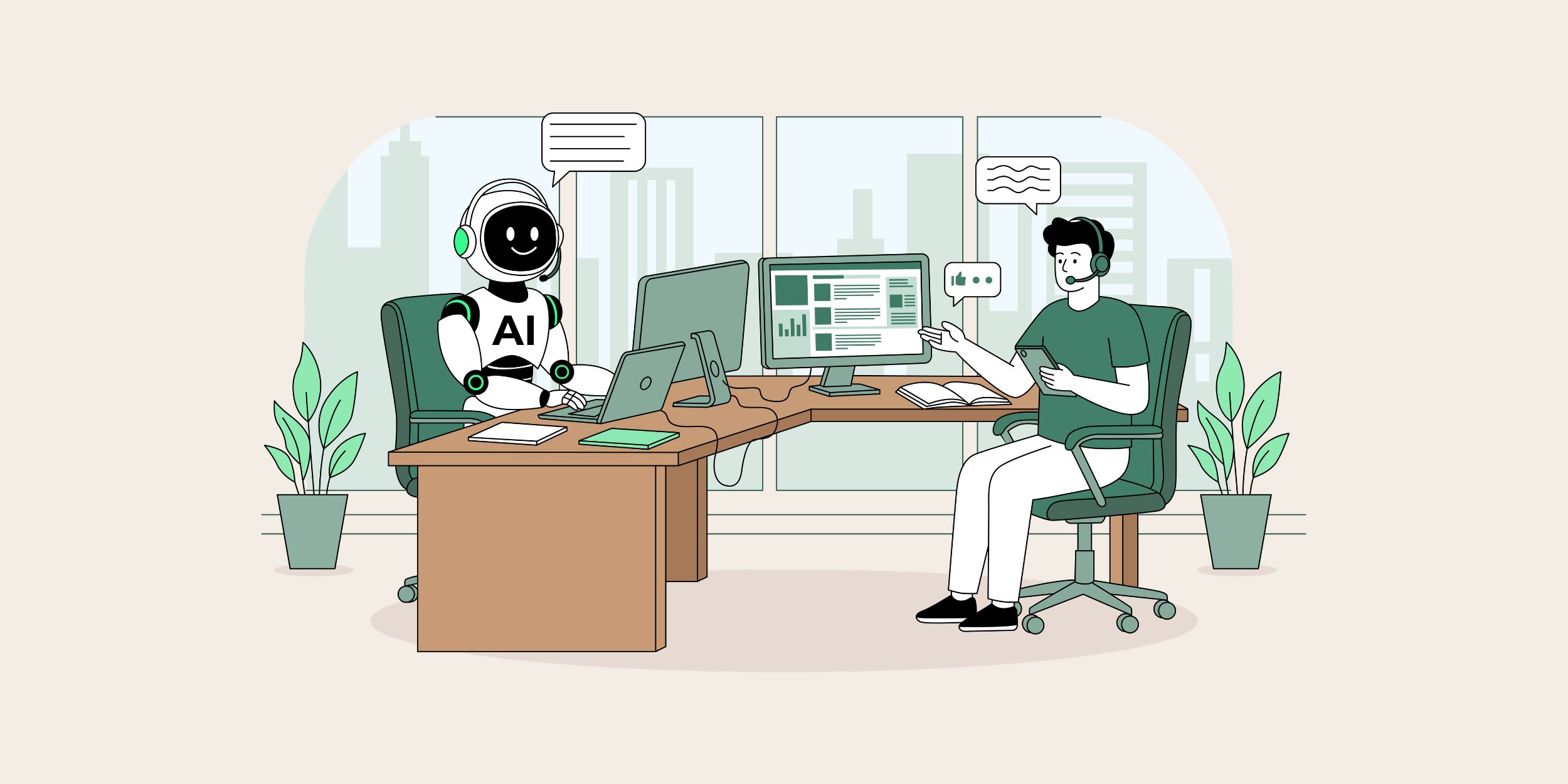
While Microsoft 365 Copilot enhances communication and collaboration, Dynamics 365 provides the structure required to manage operational activity. It acts as the system of record for customer interactions, opportunities and service processes. This makes it a central component of any AI workforce that aims to support sales and service operations.
An AI workforce requires a reliable foundation of structured data. Dynamics 365 fulfils this role by ensuring that customer information, pipeline activity and service interactions are recorded consistently. When this data is accurate and up to date, it provides a clear view of organisational performance and supports informed decision-making.
The connection between Copilot and Dynamics 365 is critical. Insights generated from meetings, emails and documents often relate to customer activity. These insights need to be translated into actions that are tracked within the CRM. For example, follow-up tasks identified in a meeting should be associated with the relevant opportunity or account record to ensure that they are visible and managed effectively.
Without this connection, the AI workforce remains fragmented. Information is generated but not fully integrated into operational processes. By anchoring AI activity within Dynamics 365, organisations ensure that insights contribute to measurable outcomes and that performance can be tracked consistently.
Dynamics 365, therefore, provides the structure that allows the AI workforce to operate with clarity and purpose.
Governance, Oversight and Accountability
Governance plays a central role in building an AI workforce that operates reliably and responsibly. Microsoft 365 Copilot works within the permissions and structures already established in the organisation, which means that governance decisions directly influence how AI interacts with information.
Oversight ensures that AI-generated outputs are reviewed and validated before they are used in decision-making. While Copilot can provide summaries, suggestions and insights, responsibility for interpretation and action remains with employees. Clear governance frameworks define how this responsibility is maintained and how accountability is applied.
Security and access control are also key considerations. Copilot can surface information from across Microsoft 365, which means that permissions must be configured carefully to ensure that users only access information relevant to their role. This reduces the risk of exposing sensitive data and supports responsible use of AI.
Governance also supports consistency. By defining how AI should be used across the organisation, leaders can ensure that outputs are applied in a way that aligns with processes and objectives. This consistency helps maintain trust in AI-generated information and supports wider adoption.
An AI workforce requires ongoing oversight rather than one-time configuration. As usage evolves, governance frameworks should be reviewed and adjusted to ensure that they continue to support organisational needs.
Scaling the AI Workforce Across the Organisation
Scaling an AI workforce involves extending its use beyond initial use cases to support a wider range of processes and teams. This progression requires careful management to ensure that expansion does not introduce inconsistency or reduce the quality of outcomes.
Early adoption often focuses on specific use cases such as meeting summaries or email drafting. These activities provide a clear demonstration of value and help build confidence in the technology. As organisations become more familiar with Copilot, they can begin to integrate it into more complex workflows that span multiple teams and systems.
Scaling requires alignment across systems such as Microsoft 365 and Dynamics 365. Processes need to be designed so that AI-generated insights are captured, validated and translated into action consistently. This ensures that as usage grows, the AI workforce continues to support operational objectives rather than creating additional complexity.
Training and guidance also play an important role. Employees need to understand how to use Copilot effectively and how it fits into their responsibilities. Clear communication helps ensure that adoption remains consistent and that teams use AI in a way that supports shared goals.
By scaling in a structured manner, organisations can expand their AI workforce while maintaining clarity, consistency and control.
Start Recruiting
Building an AI workforce requires more than enabling new technology. It involves integrating AI into the structure of how work is organised, managed and executed. Microsoft 365 Copilot provides the capabilities to support this shift, but its effectiveness depends on how it is introduced and aligned with existing systems and processes.
Treating AI like a new hire provides a useful framework for this integration. It encourages organisations to define responsibilities, establish governance and ensure that AI contributes to meaningful outcomes. When combined with a well-structured Dynamics 365 environment, this approach allows AI to support both communication and operational activity.
An AI workforce becomes effective when it operates within a clear framework of structure, oversight and accountability. Organisations that invest in these foundations create the conditions for AI to contribute to sustained improvement across their processes.
Turning the AI Workforce from Concept into Practice
Building an AI workforce requires more than introducing new technology into the organisation. It depends on how effectively AI is integrated into existing processes, governed appropriately and aligned with the systems that underpin day-to-day operations. Without this structure, AI remains an isolated capability rather than a meaningful contributor to performance.
Our Microsoft Copilot Launchpad programme is designed to support organisations as they move from early exploration to structured adoption. It combines AI readiness assessment, governance design and practical use case development to ensure that Microsoft 365 Copilot is applied in a way that supports real workflows. By aligning Copilot with systems such as Dynamics 365 and well-governed Microsoft 365 environments, organisations can embed AI into the activities that drive sales, service and operational efficiency.
For a broader perspective on how AI should be introduced into the organisation, our eBook, AI in the Modern Workforce, explores why building an AI workforce should be approached with the same structure, onboarding and oversight as bringing a new hire into the business. It outlines the conditions required for AI to contribute effectively and the role of governance in supporting long-term success.
Start building your AI workforce
If you are considering how to introduce Microsoft 365 Copilot in a way that delivers consistent value, the Microsoft Copilot Launchpad and AI in the Modern Workforce eBook provides a practical starting point.