








Microsoft
Power Platform
Automate, Innovate & Scale
with Microsoft Power Platform
Unleash the Power of Low-Code Innovation
Microsoft Power Platform provides low-code tools that streamline workflows, enable data-driven decision-making, and empower teams to build custom applications—helping businesses operate smarter and scale faster
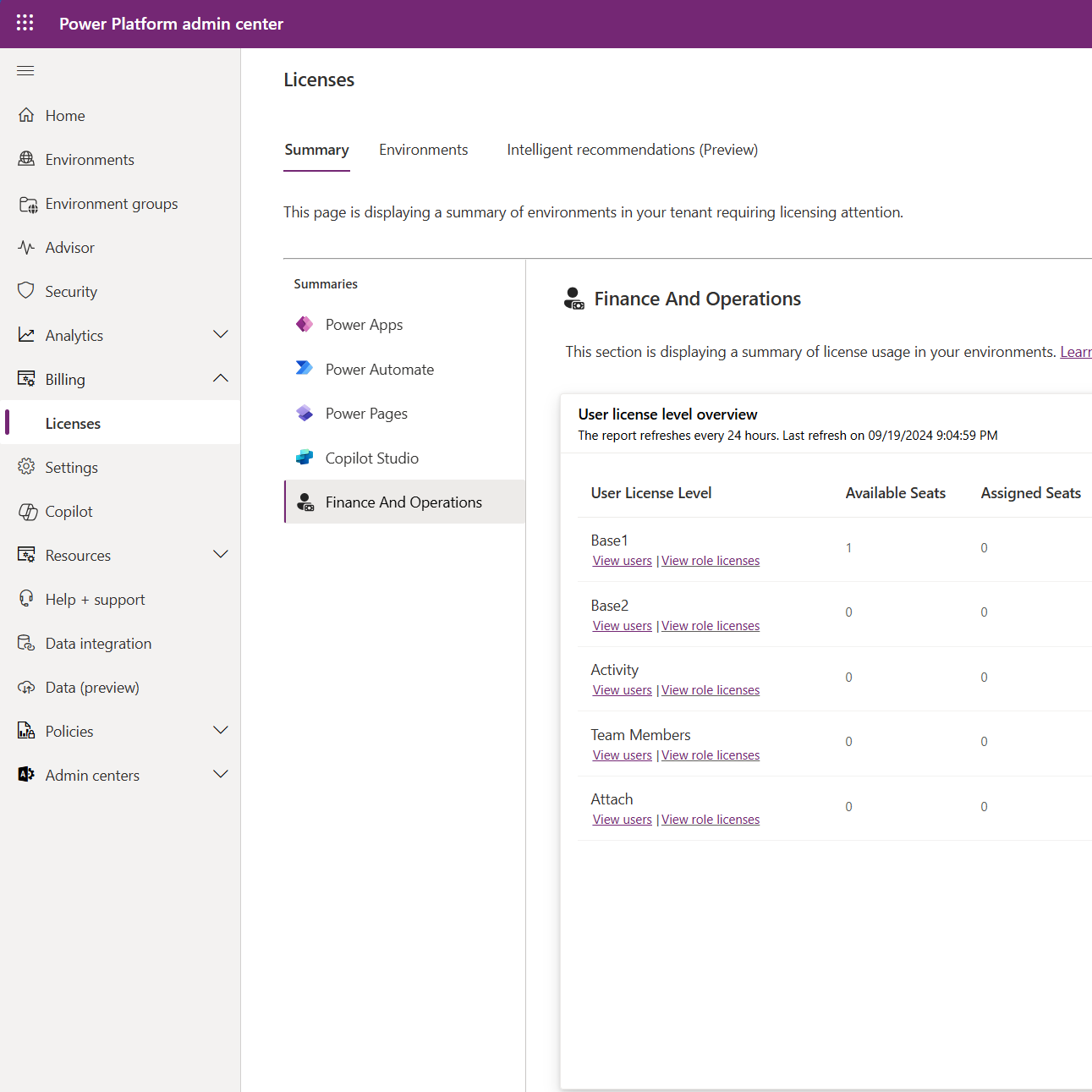
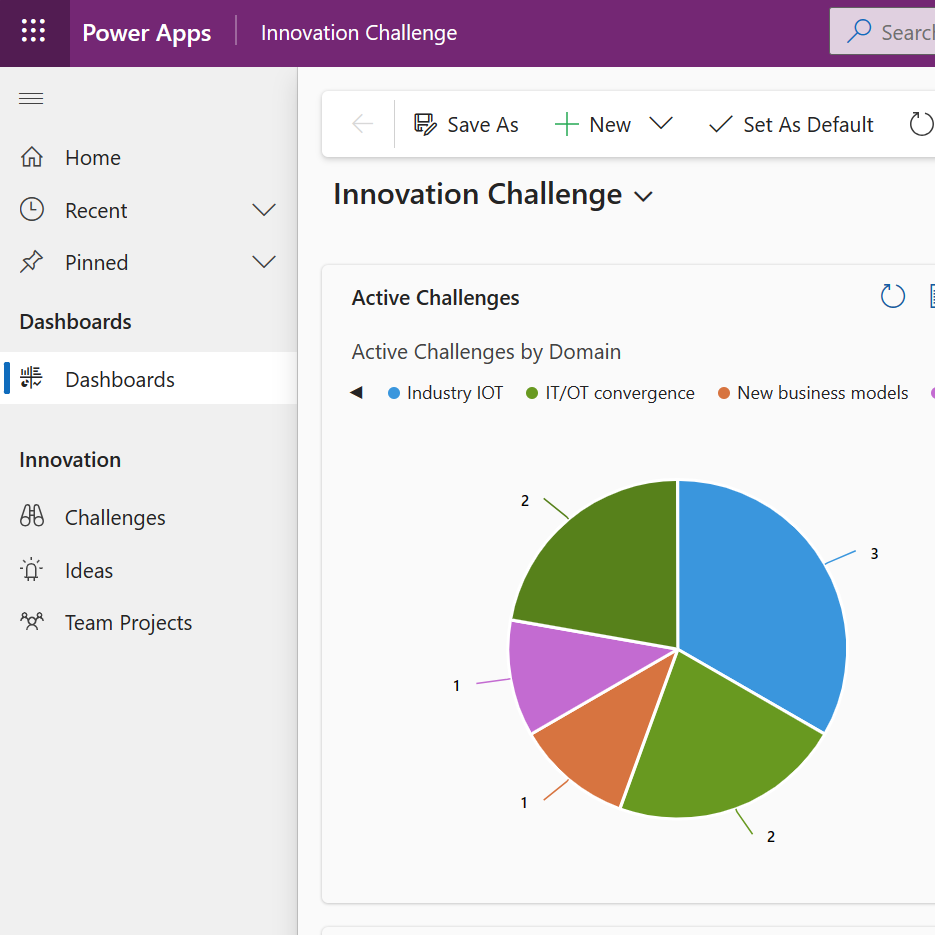
Power Apps – Build Custom Business Applications
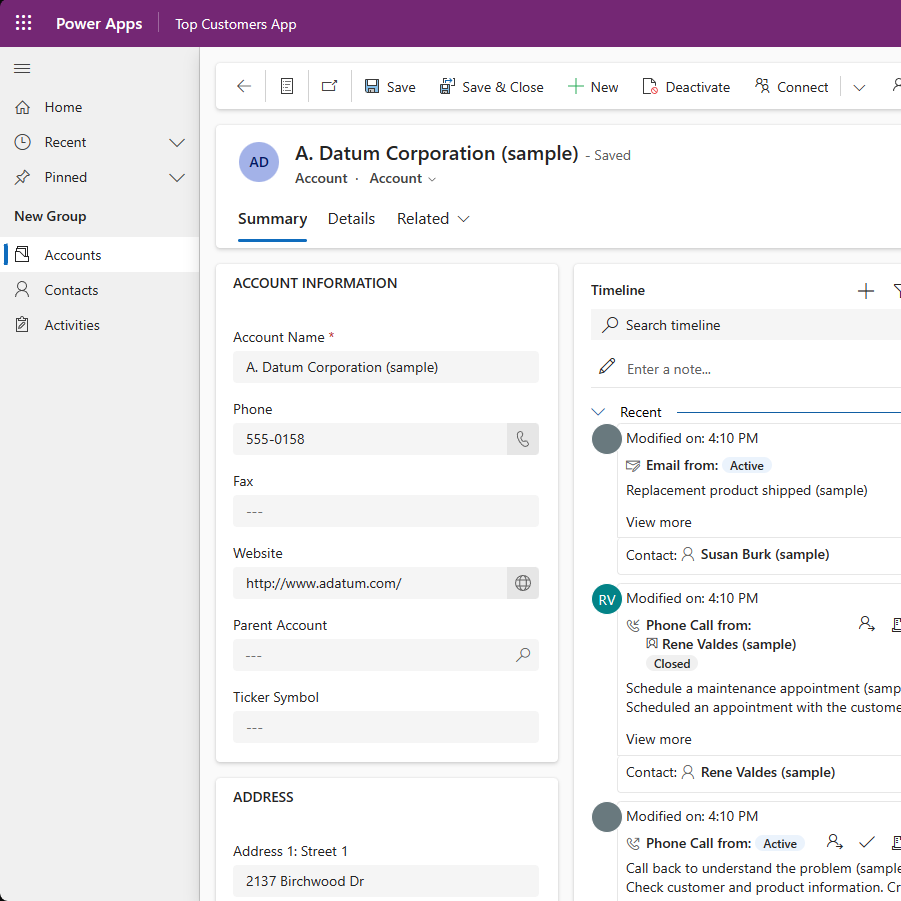
Power Apps enables businesses to create tailored applications without extensive coding, improving efficiency and solving unique challenges.
With an intuitive drag-and-drop interface, Power Apps allows teams to design mobile-friendly, data-connected applications that integrate with Dynamics 365, Microsoft 365, and third-party systems.
Key Features
- No-Code & Low-Code App Development – Build applications quickly without IT dependency.
- Pre-Built & Customisable Templates – Deploy solutions faster with ready-made components.
- Seamless Integration – Connect with Dynamics 365, SharePoint, and external data sources.
- AI & Automation Features – Embed AI-powered insights for smarter decision-making.
Benefits
- Reduce Manual Workflows – Replace spreadsheets and outdated processes with modern applications.
- Improve Operational Efficiency – Automate business functions and enhance collaboration.
- Empower Non-Technical Teams – Enable business users to develop apps without coding expertise.
Power BI – Unlock Actionable Insights from Your Data
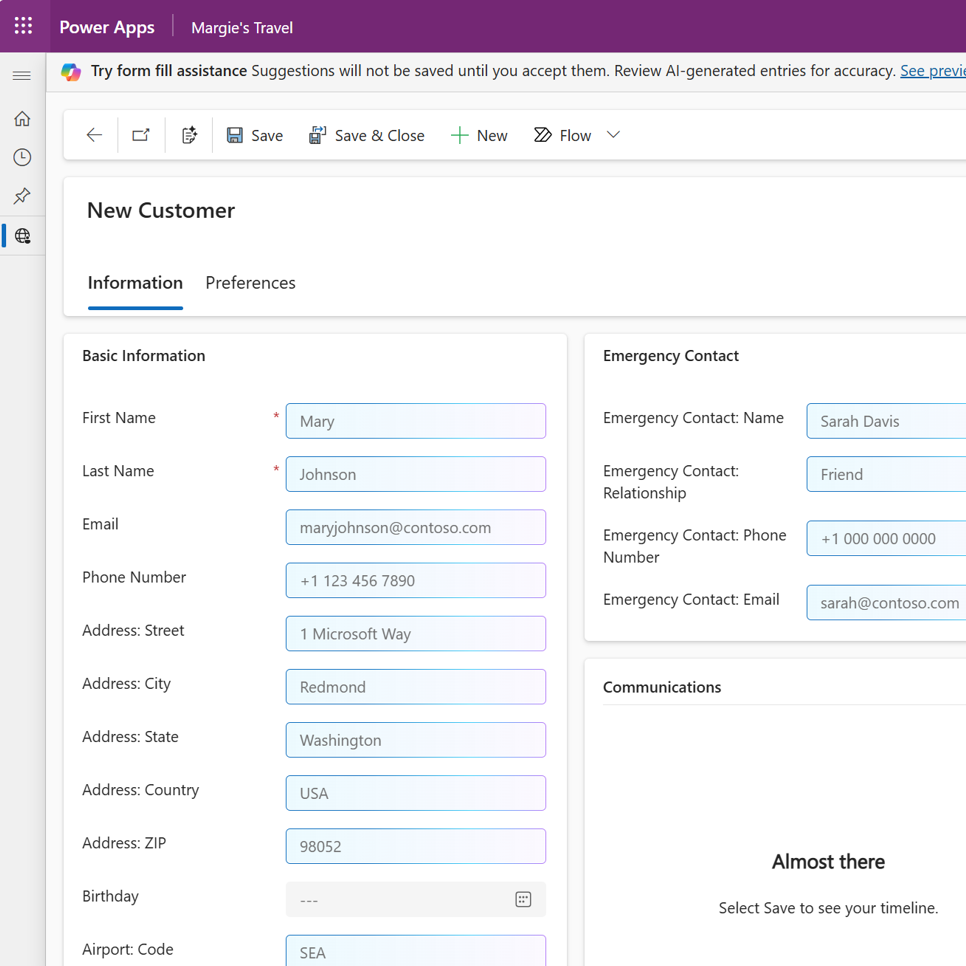
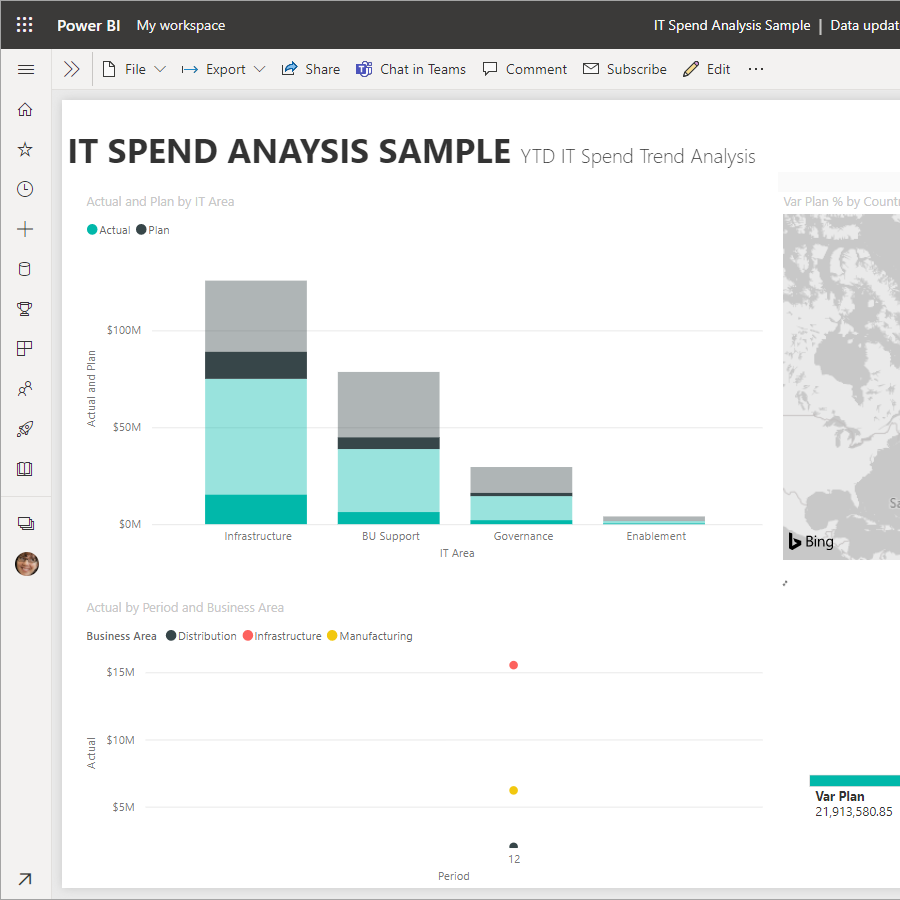
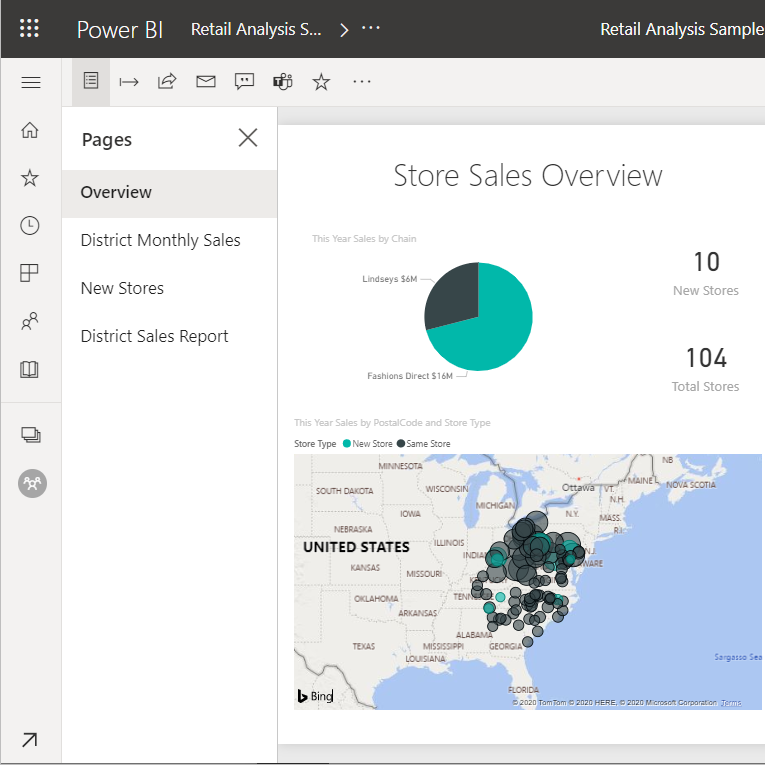
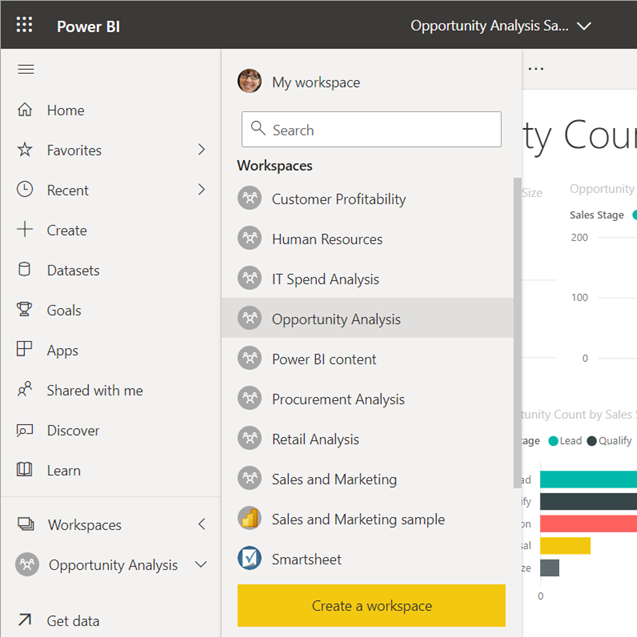
Transform Data into Strategic Business Decisions – Power BI provides advanced business analytics and interactive dashboards, enabling businesses to visualise, analyse, and share insights in real time.
With AI-powered reporting and predictive analytics, teams can uncover trends, monitor key performance indicators, and make informed decisions.
Key Features
- Customisable, Interactive Dashboards – Create real-time reports tailored to business needs.
- AI & Predictive Analytics – Forecast trends and identify opportunities.
- Data Integration – Connect Power BI with Dynamics 365, Excel, SQL, and third-party sources.
- Enterprise-Grade Security – Maintain compliance with robust data governance
Benefits
- Improve Forecasting & Decision-Making – Gain insights that drive business strategy.
- Reduce Data Silos – Consolidate information from multiple sources into a single view.
- Enhance Collaboration – Share reports across teams for better alignment.
Power Automate – Automate Workflows & Boost Productivity
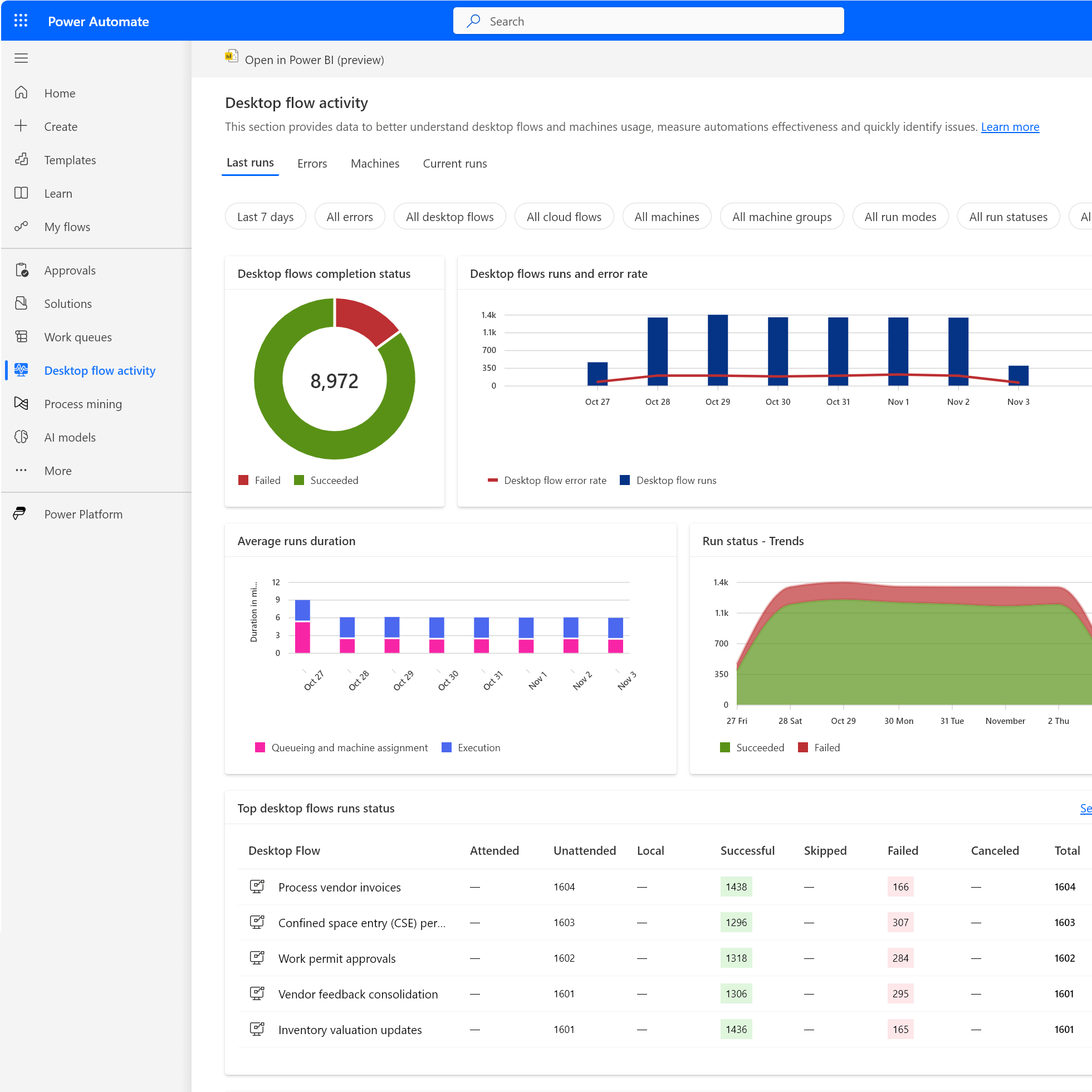
Eliminate Manual Processes with Intelligent Automation – Power Automate enables businesses to automate repetitive tasks, reduce human error, and streamline workflows across multiple applications.
By leveraging AI and event-driven triggers, teams can improve efficiency, increase accuracy, and free up valuable time.
Key Features
- Workflow Automation – Automate approvals, notifications, and data updates.
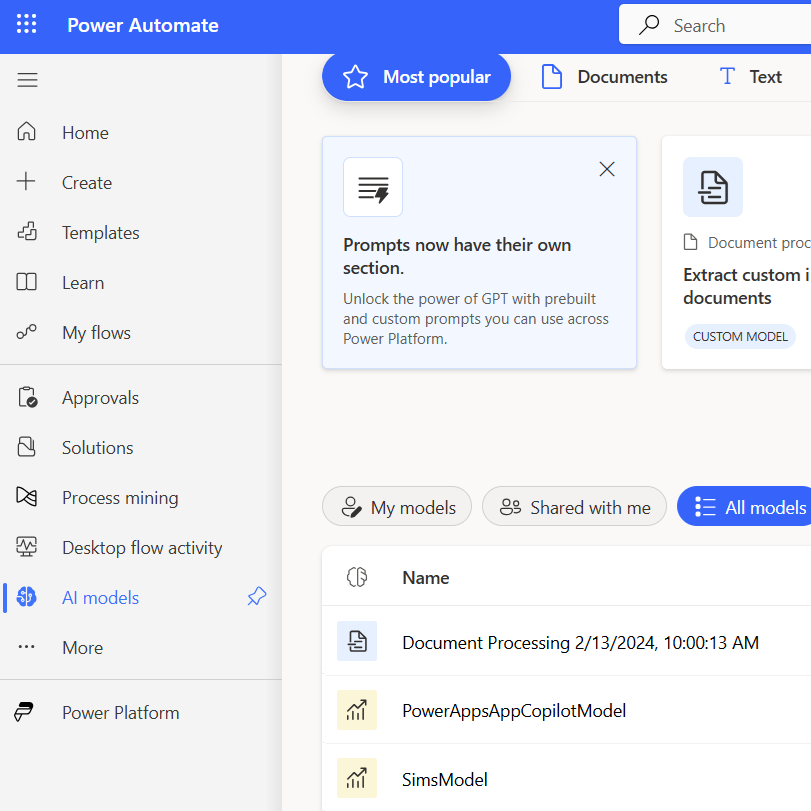
- AI-Powered Process Automation – Use AI Builder to process forms, documents, and images.
- Multi-System Integration – Connect Dynamics 365, Microsoft 365, and 500+ third-party applications.
- Robotic Process Automation (RPA) – Automate tasks within legacy systems.
Benefits
- Save Time & Reduce Costs – Automate routine tasks and focus on strategic work.
- Increase Accuracy & Compliance – Minimise errors with AI-driven workflows.
- Enhance Operational Efficiency – Standardise processes across departments.
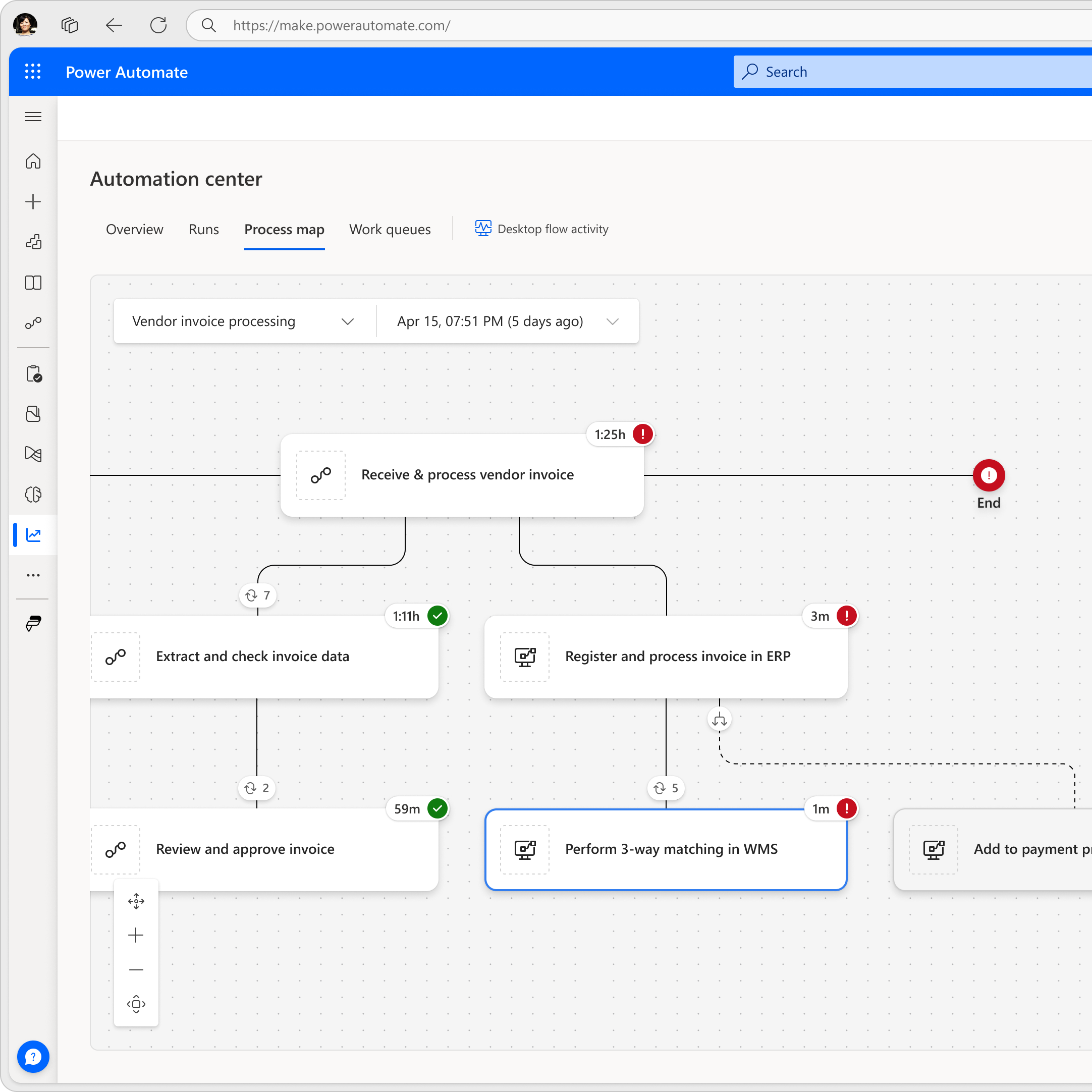
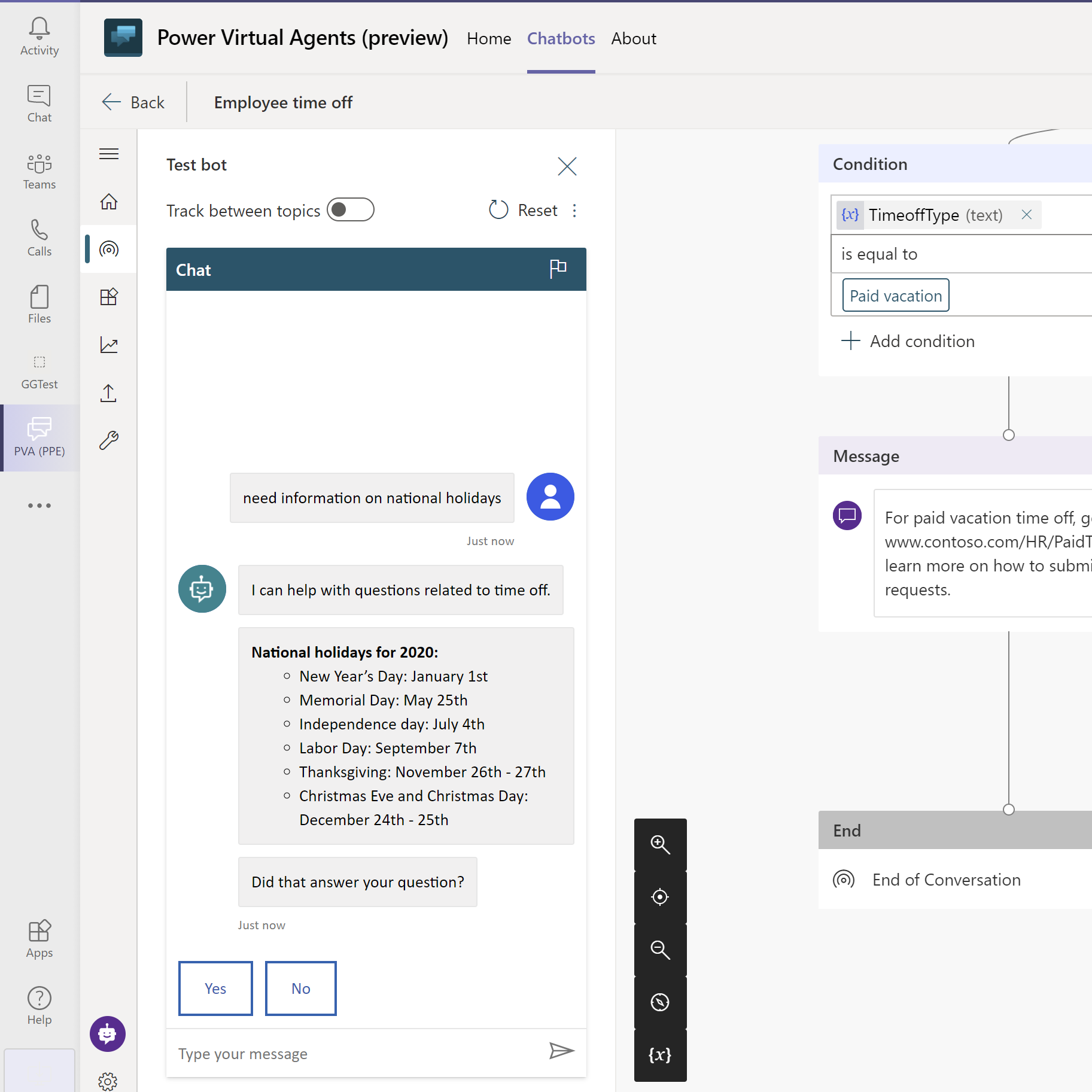
Power Virtual Agents – AI-Powered Chatbots for Business
Automate Customer & Employee Interactions with AI Chatbots – Power Virtual Agents enables businesses to build intelligent chatbots without coding, improving customer service and internal operations.
With AI-driven natural language processing, chatbots can handle inquiries, automate responses, and seamlessly integrate with CRM and business applications.
Key Features
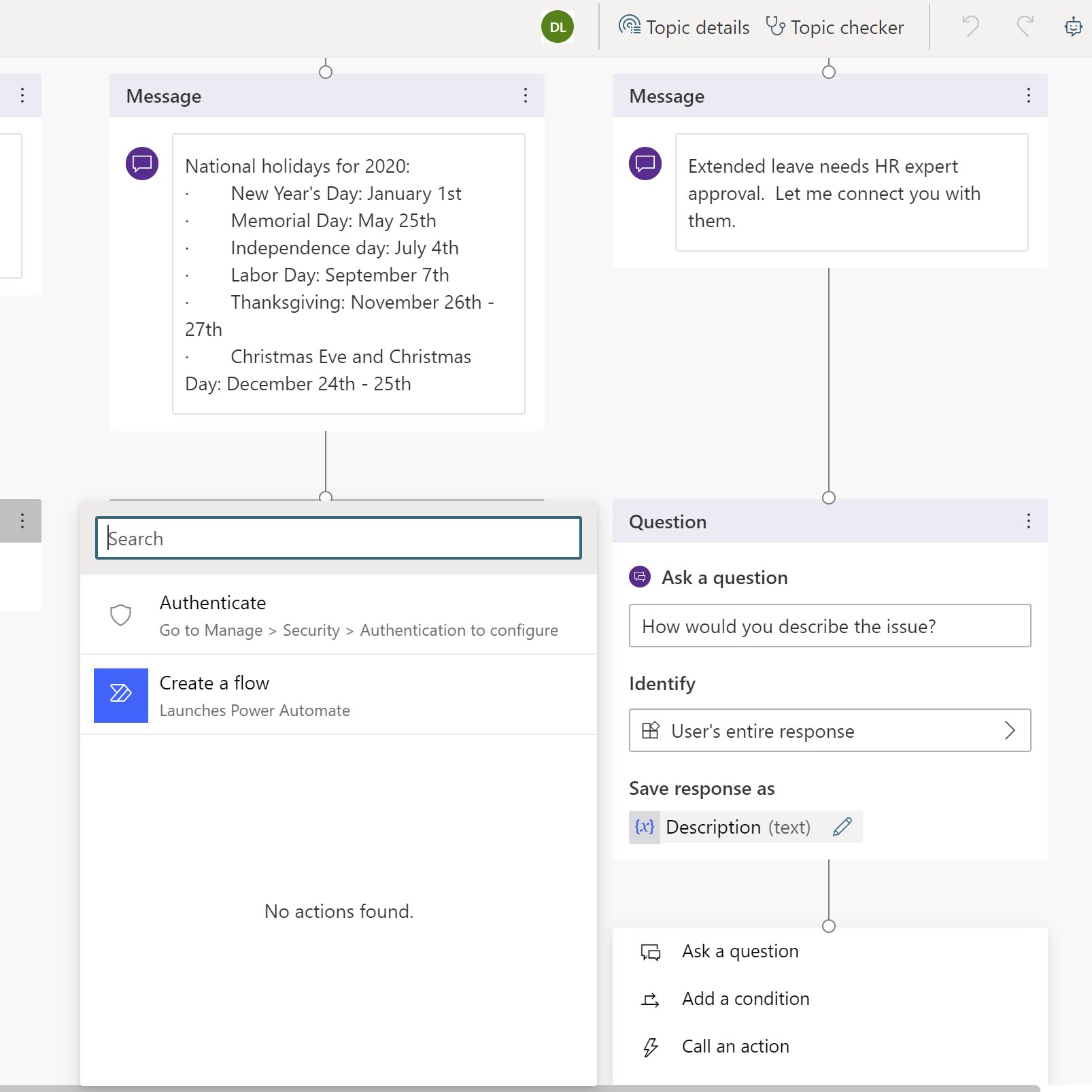
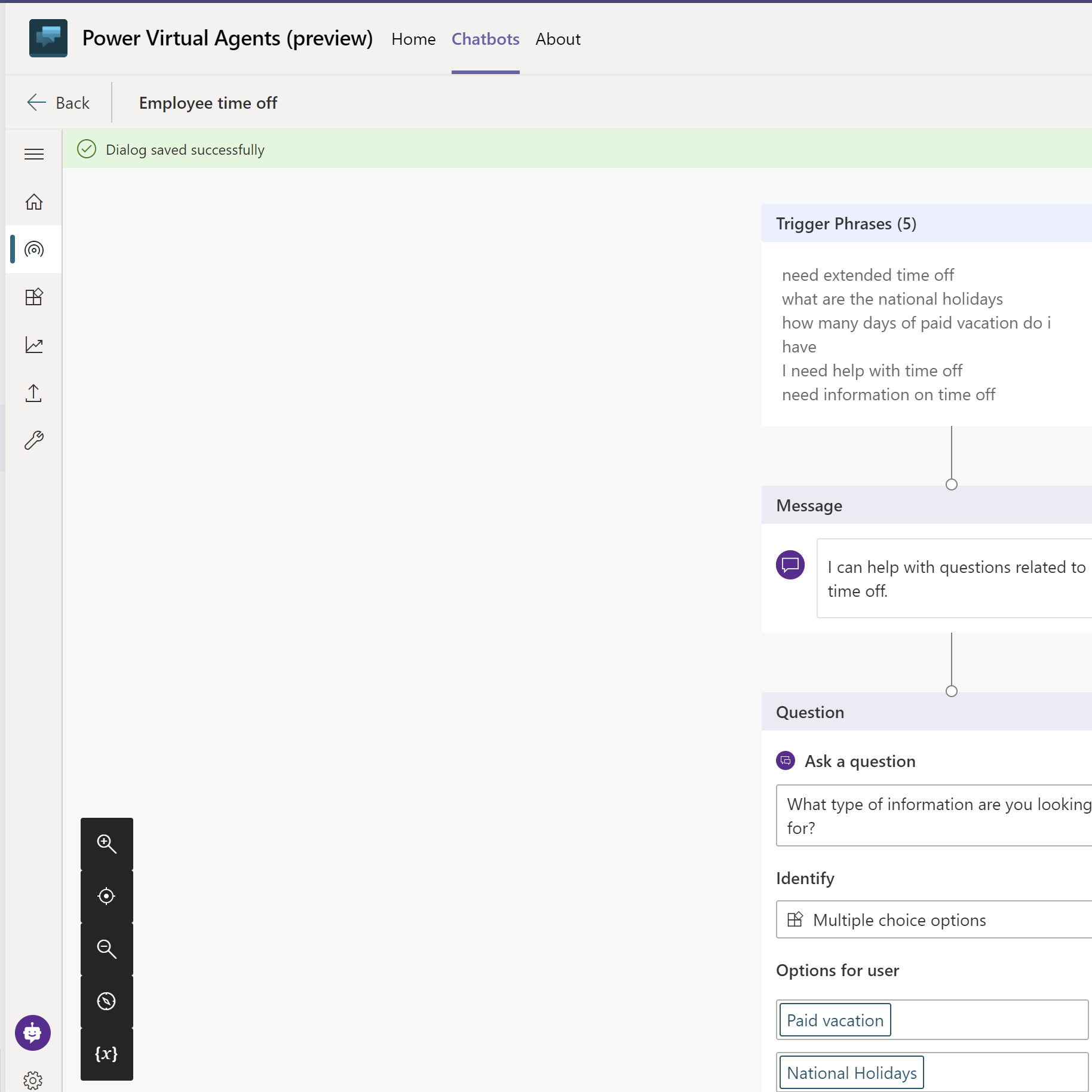
- No-Code Chatbot Development – Create AI-powered bots without programming knowledge.
- Seamless Integration with Dynamics 365 – Automate customer service and sales interactions.
- Multi-Channel Deployment – Use chatbots across web, Microsoft Teams, and social platforms.
- AI-Driven Conversations – Improve customer engagement with intelligent responses
Benefits
- Enhance Customer Support – Reduce wait times and provide instant responses.
- Improve Employee Productivity – Automate internal FAQs and routine inquiries.
- Scale Without Increasing Costs – Handle more interactions without additional staff.
Why Choose Microsoft Power Platform?
- Seamless Integration – Works effortlessly with Dynamics 365, Microsoft 365, and third-party applications.
- Low-Code & AI-Driven – Empowers business users and IT teams to automate and innovate.
- Scalability & Security – Built for business growth and enterprise-level security.
- End-to-End Digital Transformation – Connects data, workflows, automation, and AI for smarter business operations.
Ready to Unlock the Full Potential of Power Platform?
We’ll help you harness low-code tools to automate processes, enhance data intelligence, and drive efficiency across your business, delivering transformation that scales without increasing costs.